
Clearance: A Markdown Browser for macOS
One of the only constants across pretty much every flavor of agentic development is how much time you spend with Markdown files.
Agents love Markdown.
They love to write it. They love to read it. They just love it.
Every spec or plan file that Superpowers makes is a Markdown doc. Pretty much every research doc I get from Claude is a Markdown doc. When Codex writes documentation? You guessed it! Markdown doc.
One of the great things about Markdown is that it's easy to read and write in a terminal or just about any text editor.
And there are plenty of beautiful Markdown editors out there.
But I couldn't find a desktop Markdown reader that did what I wanted.
I look at a lot of ephemeral Markdown docs. I hate having dozens and dozens and dozens of windows open. While I can read Markdown in a terminal with cat or less, it's not a great experience.
And what's actually been happening for the last nine months is that when I click on a Markdown document on my desktop it opens up an IDE.
I haven't lived in an IDE in about a year. So invariably what's opening up is an out-of-date IDE that is begging me to update it. On top of that, IDEs are big and heavy, so they're a little bit slow to open.
Last night after dinner, I sat down and started chatting with Codex about solving this problem for myself.
We are building a beautiful Markdown viewer and editor. It's very common
right now that humans spend a lot of time reading and editing YAML-headed
Markdown files. I want a MacOS desktop app that has a sidebar that tracks
all of the Markdown files I have opened and shows them by file name with
the full path underneath, ordered with the most recent file I've opened
at the top and the oldest at the bottom. I want to be able to view files
as Markdown, view files rendered beautifully into stunning documents. I
want to be able to have the Markdown view have proper syntax highlighting.
Files should be auto-savable or should auto-save. There should be infinite
undo. It should be associated with the dot MD file type. We should build
it iteratively. What else do you need to know?
Over the course of a couple of hours the app came together.
I had myself a Markdown viewer and editor with the side panels that I wanted.
On the left was a list of all of the Markdown docs that I had looked at, ordered by how recently I had opened them.
On the right was a table of contents for the current document.
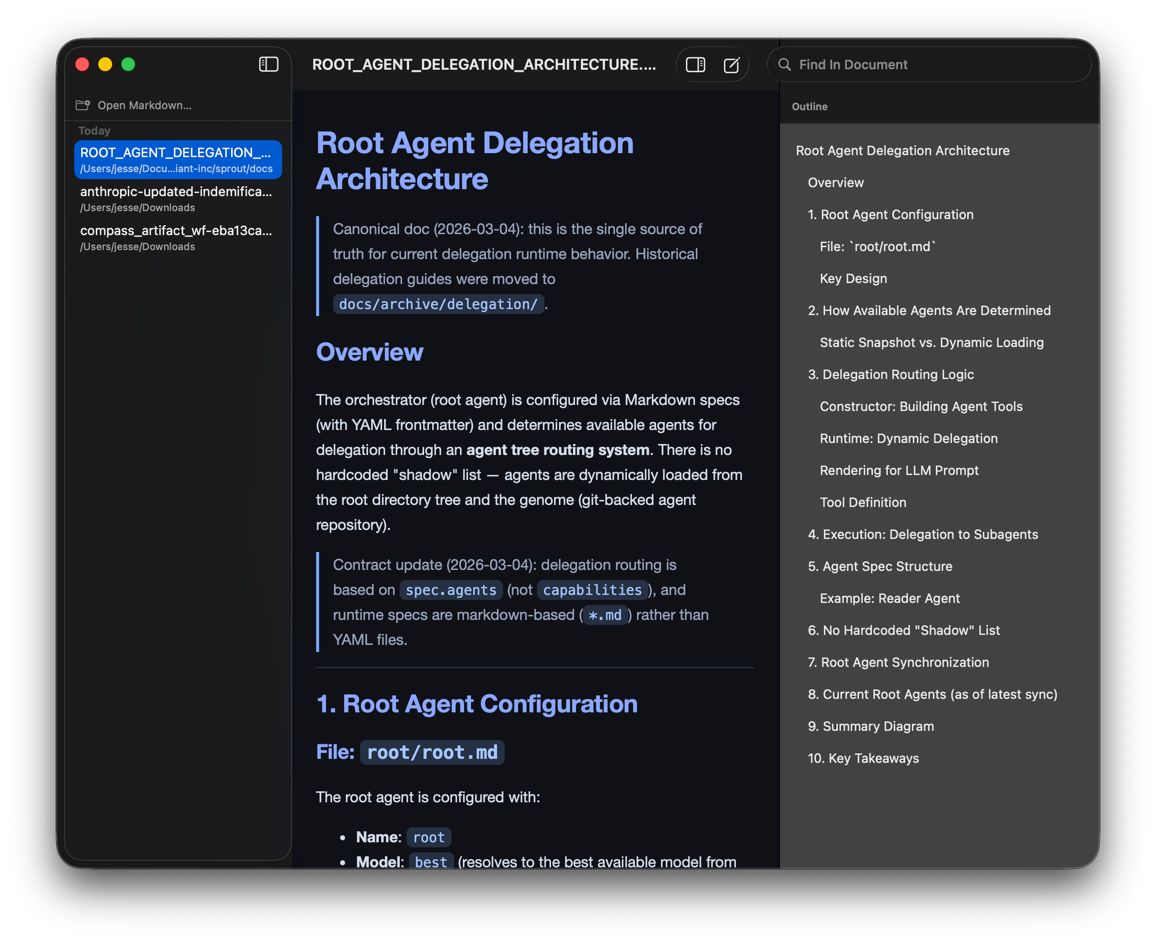
It was ugly, but it worked.
As I started playing around, I realized that I frequently deal with sets of hyperlinked Markdown documents. Pretty much anything I'm working on has a directory full of them.
And that was when I realized that I wasn't making a Markdown viewer, I was making a Markdown browser.
So, that's what Clearance is.
It's a native macOS app that allows you to view and edit Markdown docs, but primarily it allows you to navigate through a corpus of Markdown docs.
It's a free utility from Prime Radiant. I hesitate to call it a product, but you can if you want to.
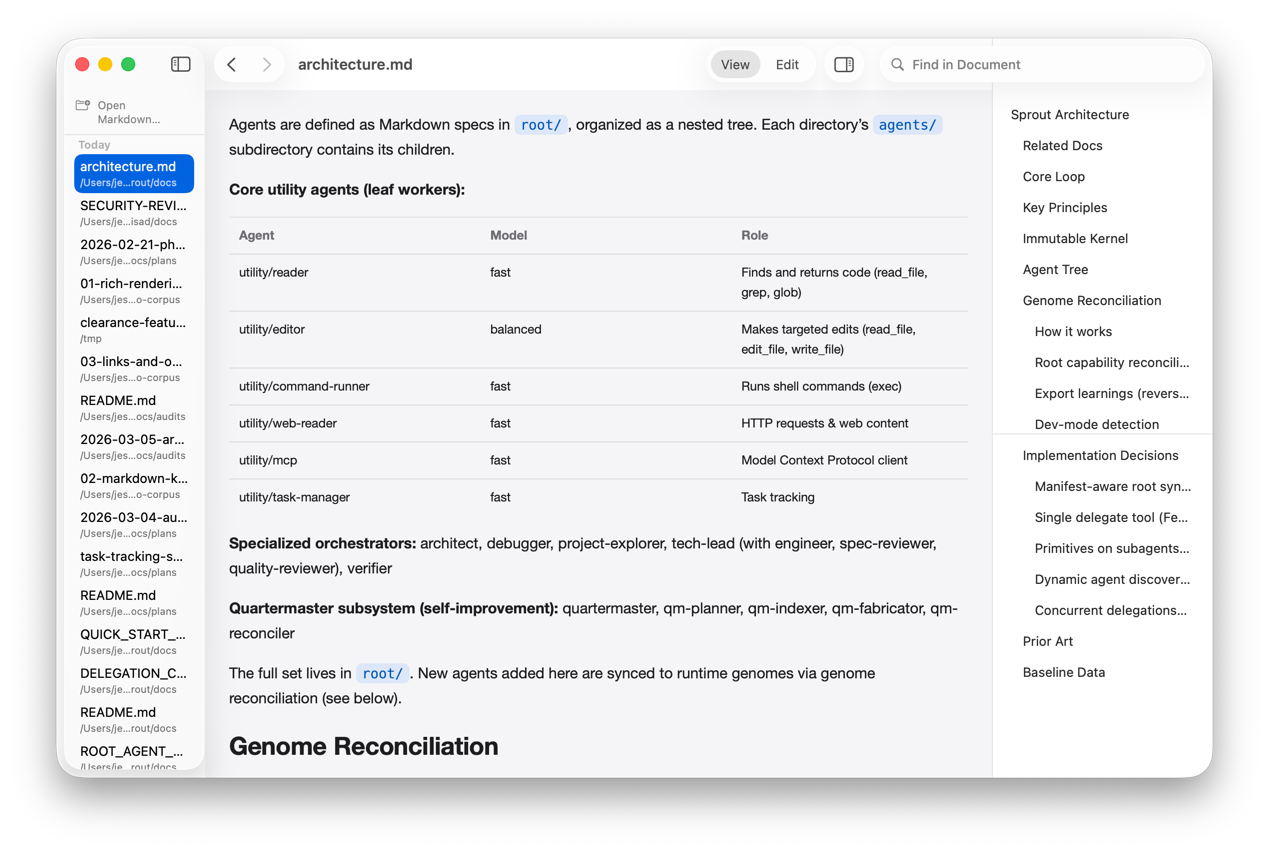
You can download it today at github.com/prime-radiant-inc/clearance.